Tell it what to automate. It handles the busywork.
Your hound takes the questions and requests you answer all day, handles the routine ones, and keeps a record — so the 2 a.m. message about a dripping faucet never reaches you, and the one about a flooding unit does.
DocsHound is conversational process automation for small business. One hound can run a process, serve customers, or support the team — see the three kinds.
7-day free trial · no credit card · cancel anytimePlain English. No code. Live in minutes.
You shape the hound in a few taps and test it before anyone sees it. Here's the whole flow.
We read your website
Point us at your site and we scan it, so your hound starts out already knowing your services, hours, and FAQs.
Pick what to automate
Choose the jobs that matter first — answer common questions, intake a request, book a call. Start with one and add more anytime.
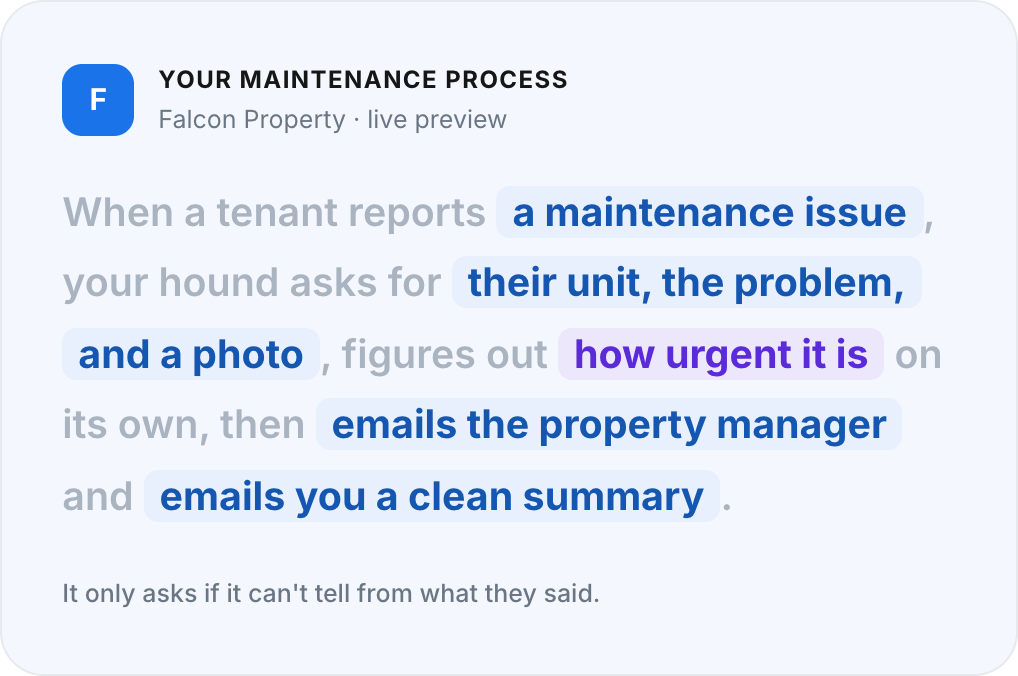
Shape the process in plain English
Describe the steps the way you'd explain them to a new hire — "ask for the address and the issue, then email it to maintenance." A few taps, no builder to learn.
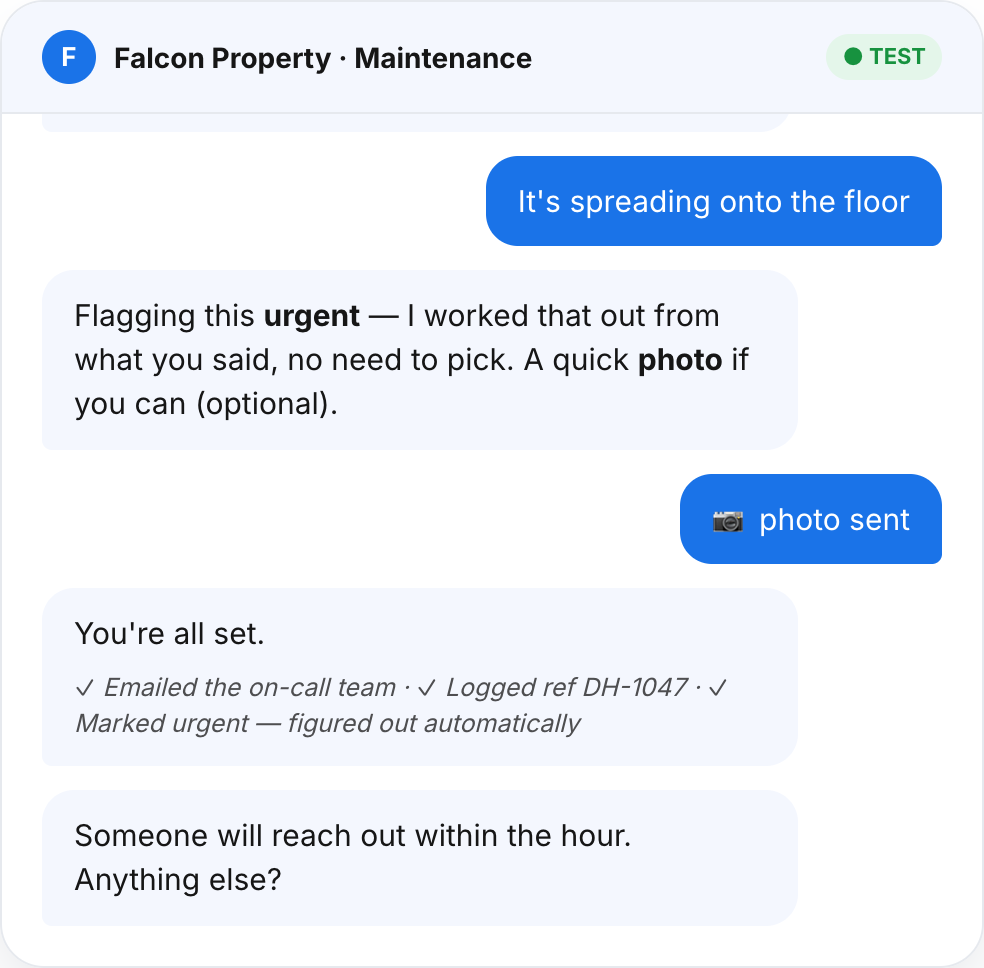
Test it live
Chat with your hound yourself and tweak the answers until they sound like you — all before it's visible to anyone.
Add one line to your site
Paste a single snippet and your hound is live. Update what it knows anytime.
Setup takes minutes; you can be live the same day.
Four things it does out of the box.
Simple on purpose — these four cover most of the busywork a small team deals with every day.
Ask
Gather the details a job needs, one question at a time.
Answer
Reply from your website and knowledge, in your words, around the clock.
Send an email
Route a request or a summary to the right inbox.
Create a link
Hand over a booking, payment, or form link at the right moment.
Deeper integrations are coming to Scale. Zapier first, then Google Sheets, CRMs, and an API, so your hound can write records and trigger workflows in the tools you already use. Until then it emails you what it collected. Every plan starts with ask, answer, send an email, and create a link. Your hound lives on your website on every plan; SMS, WhatsApp, and email are coming as add-ons — see channel pricing.
A digest of what everyone's asking.
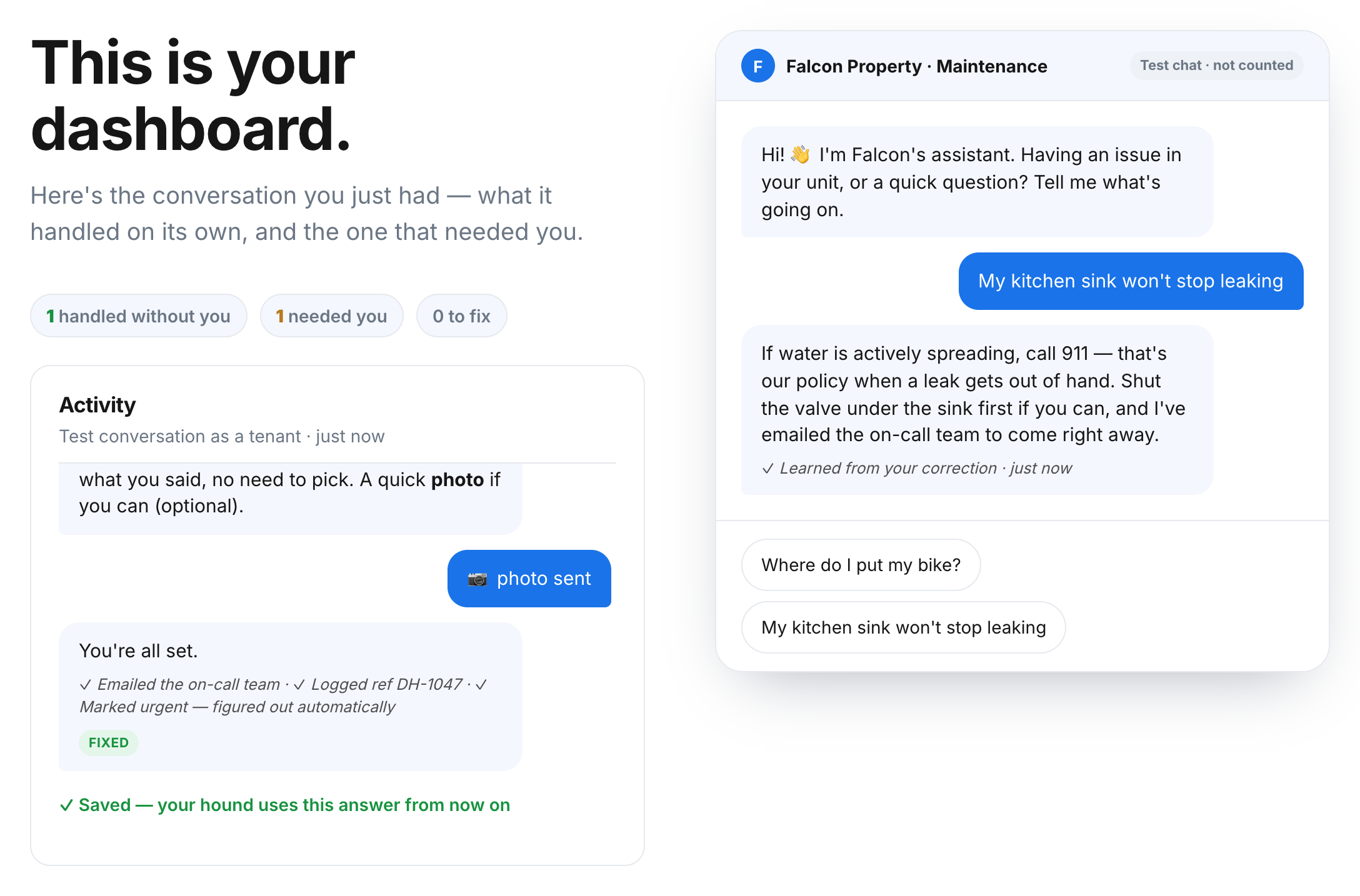
Every conversation teaches you something about your business. DocsHound emails you a digest of what customers and staff asked and the patterns underneath — weekly on Spark, daily on Team and Scale.
- Spot the questions you should put on your site — or automate next
- Catch demand and friction early, before it becomes a phone call
- See what's working without digging through transcripts
Set yours up in a few minutes.
Start free, try it yourself first, and get your first insights this week.